
Staying Connected
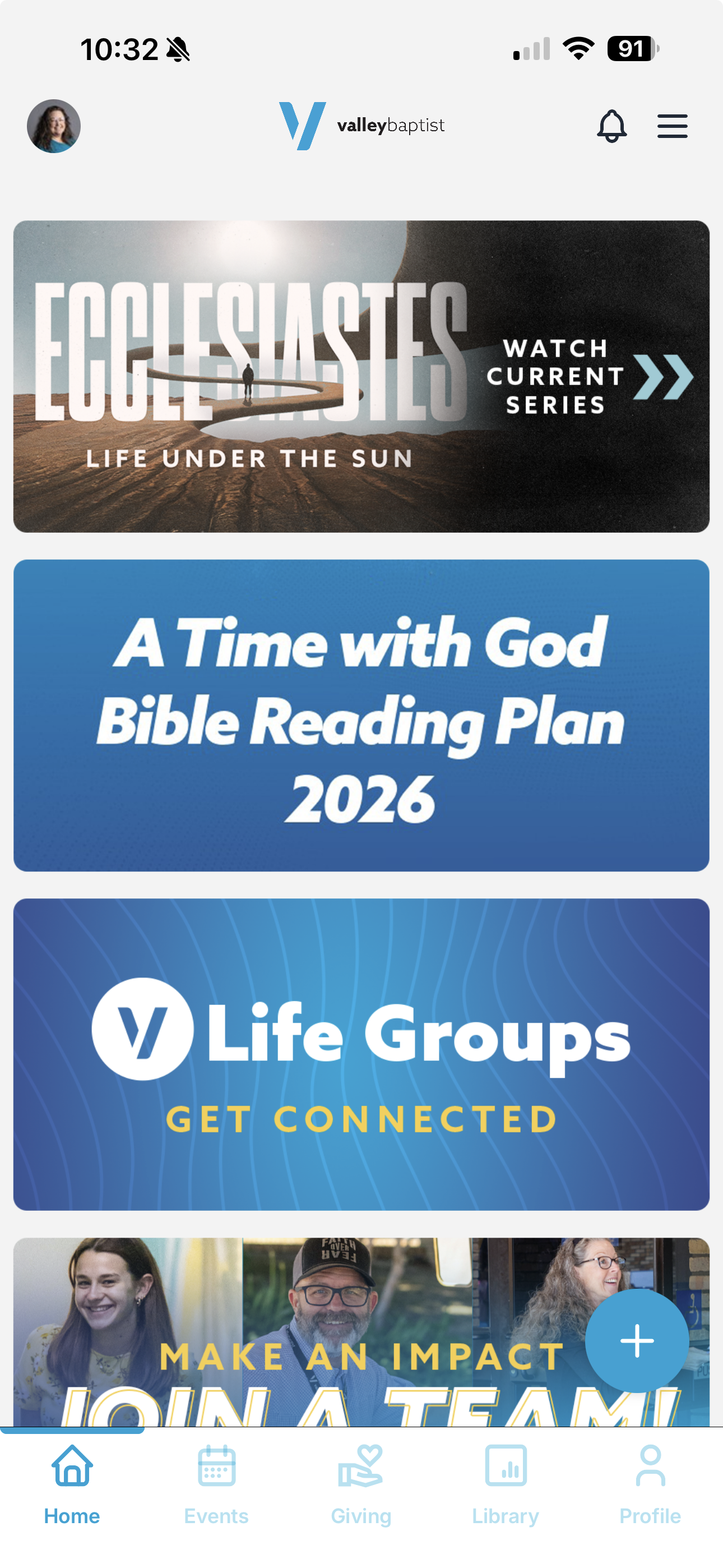
The Valley Baptist Church app helps you stay connected to what’s happening in the life of the church throughout the week. From event registrations and important announcements, to sermon resources, giving, and ministry updates, everything you need is right at your fingertips.
The app also makes it easy to keep your personal profile and contact information up to date, helping the church stay connected with you and ensuring you receive the right communications.
Download it and log in today for free from your preferred app store!
TouchPoint
-
TouchPoint is our church management software, which securely stores and processes our giving, attendance, registration, and other records.
-
You are not required to set up an account on TouchPoint, though you might have already created one when registering for an event or signing in through the mobile app. An account makes it easier for you to give and register for events because your information is saved.
-
Yes! Credit card or bank account details are tokenized and stored on industrial grade servers where this information is then encrypted. The security setup used is the same as many banks and is PCI DSS compliant. For this reason, TouchPoint giving is considered significantly more secure than many current offerings, including actually having a credit card physically present. If your phone is lost, no transactions can be made without your passcode or biometric login.
-
Simply being able to pull out your phone and make a contribution or register for an event in the space of a few seconds is compelling and convenient! Touchpoint is a safe and easy-to-use tool, allowing you to never miss the moment. Even better, you can also easily set up recurring contributions in TouchPoint.
-
The fastest and easiest way for most people to access their Valley Baptist Church TouchPoint profile is through the Valley Baptist Church mobile app. However, you can also access it on the web at my.valleybaptist.org.
-
Valley Baptist Church mails quarterly and year-end contribution statements. However, you can view your statement at any time in TouchPoint by following the steps below.
Login to your TouchPoint account online or in the Valley Baptist mobile app.
Click on the Giving tab.
Online: Below the top line of tabs click on Statements.
Mobile App: Tap the History & Statements button.Select the year you would like to view and the statement will be generated.
To download a copy from the Mobile App, tap the download symbol in the top right corner of the screen.